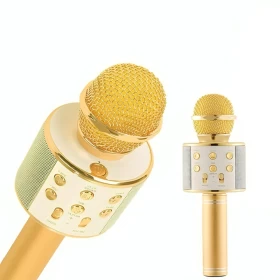




🎙️ Professional Podcast Equipment Bundle – All-in-One Streaming & Recording Studio Kit
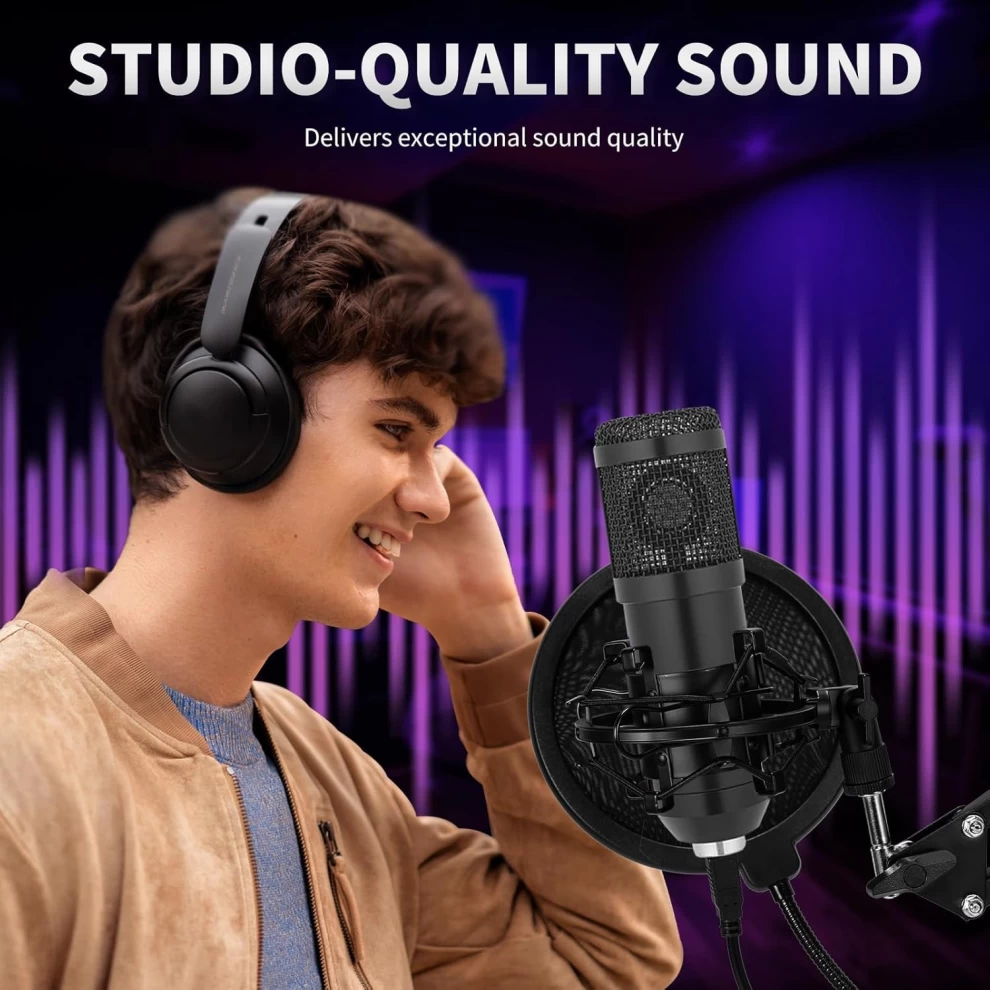
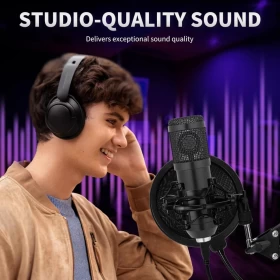
Elevate your sound game with this powerful and versatile Podcast Equipment Bundle. Whether you're podcasting, streaming, recording music, or creating content, this set delivers premium sound quality and convenience in one sleek package.
✨ Features:
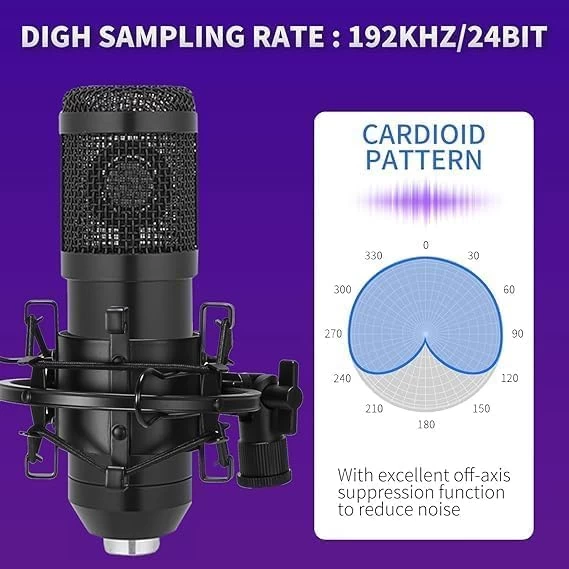
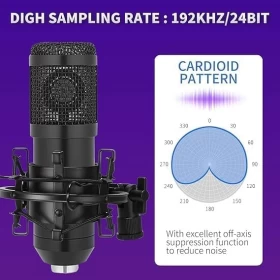
✅ Superior Sound Clarity – Cardioid pickup pattern captures clear audio from the front while minimizing background noise
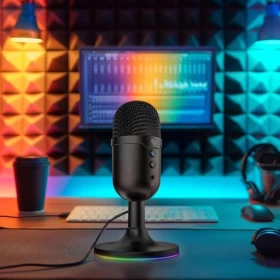
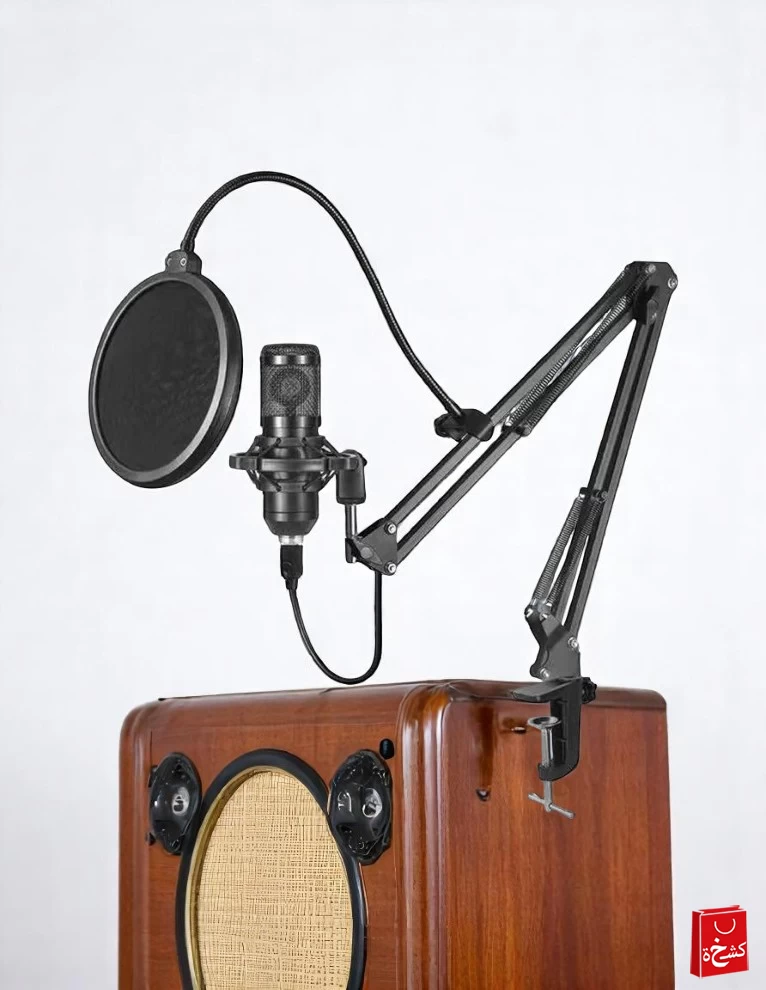
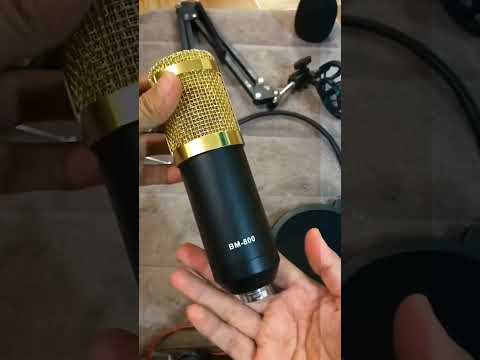
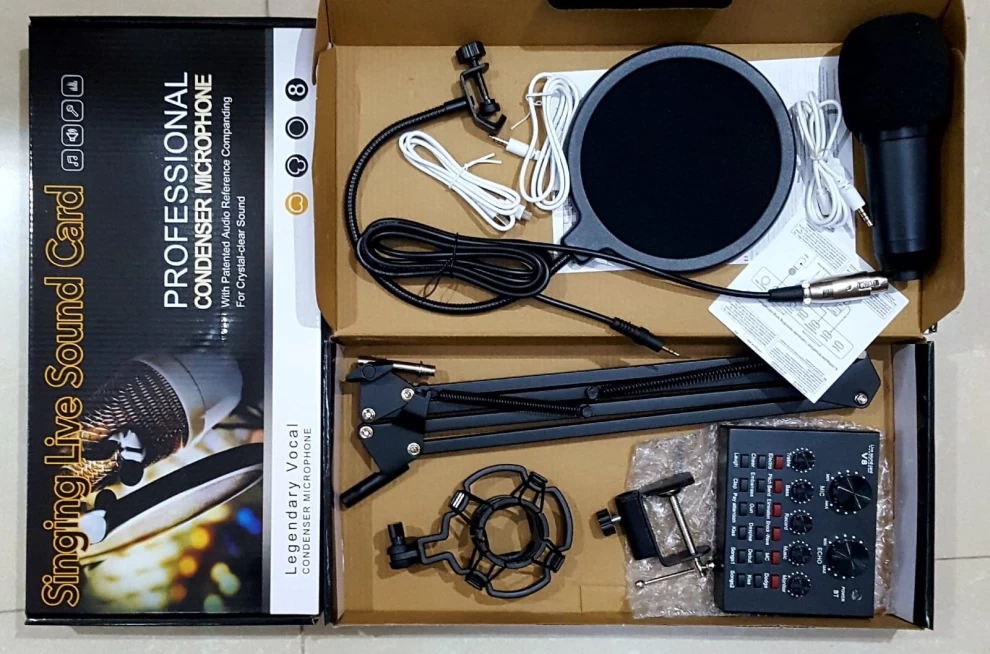
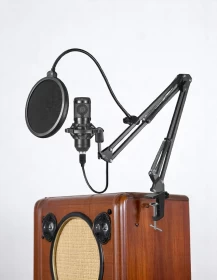
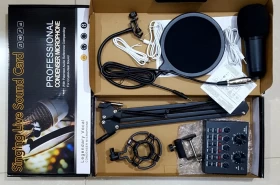
✅ All-Inclusive Kit – Includes a studio condenser microphone, adjustable boom arm, pop filter, mic cover, and professional sound mixer
✅ Plug & Play USB Connection – Easily connects to your computer with no drivers needed for instant setup
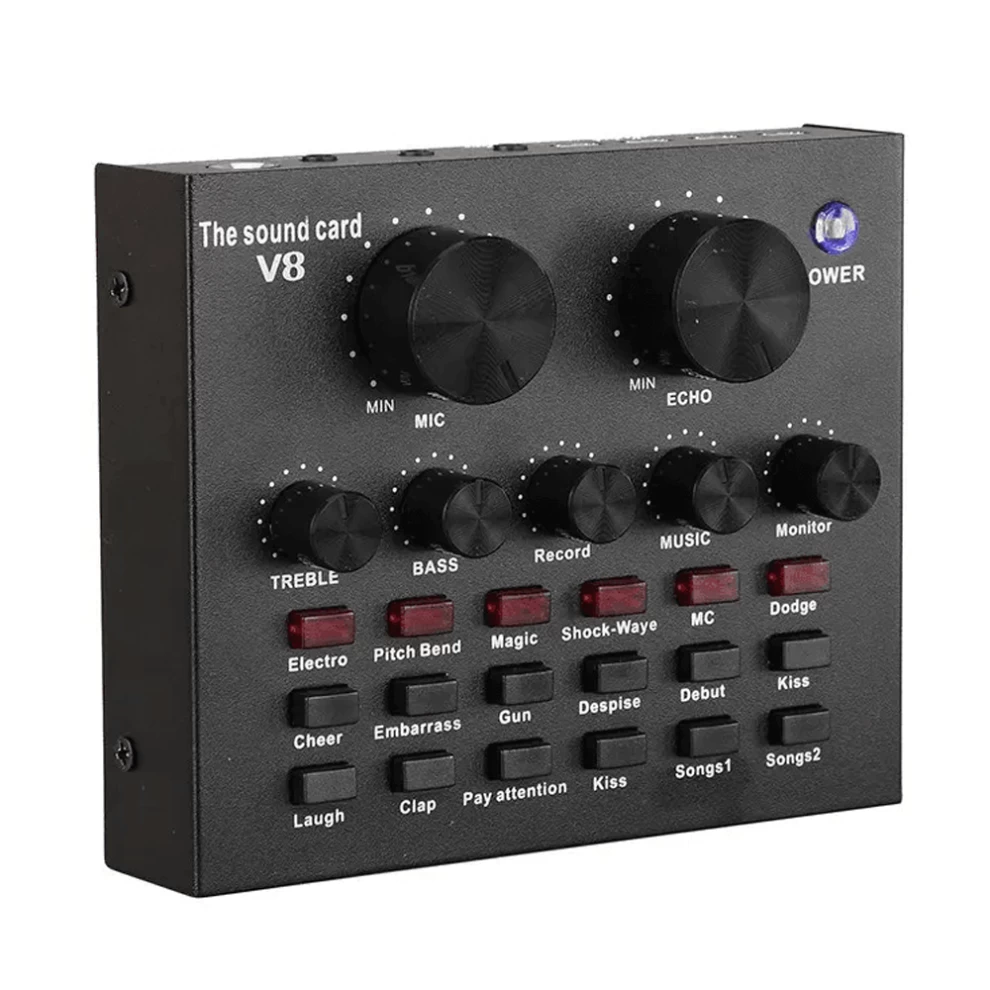
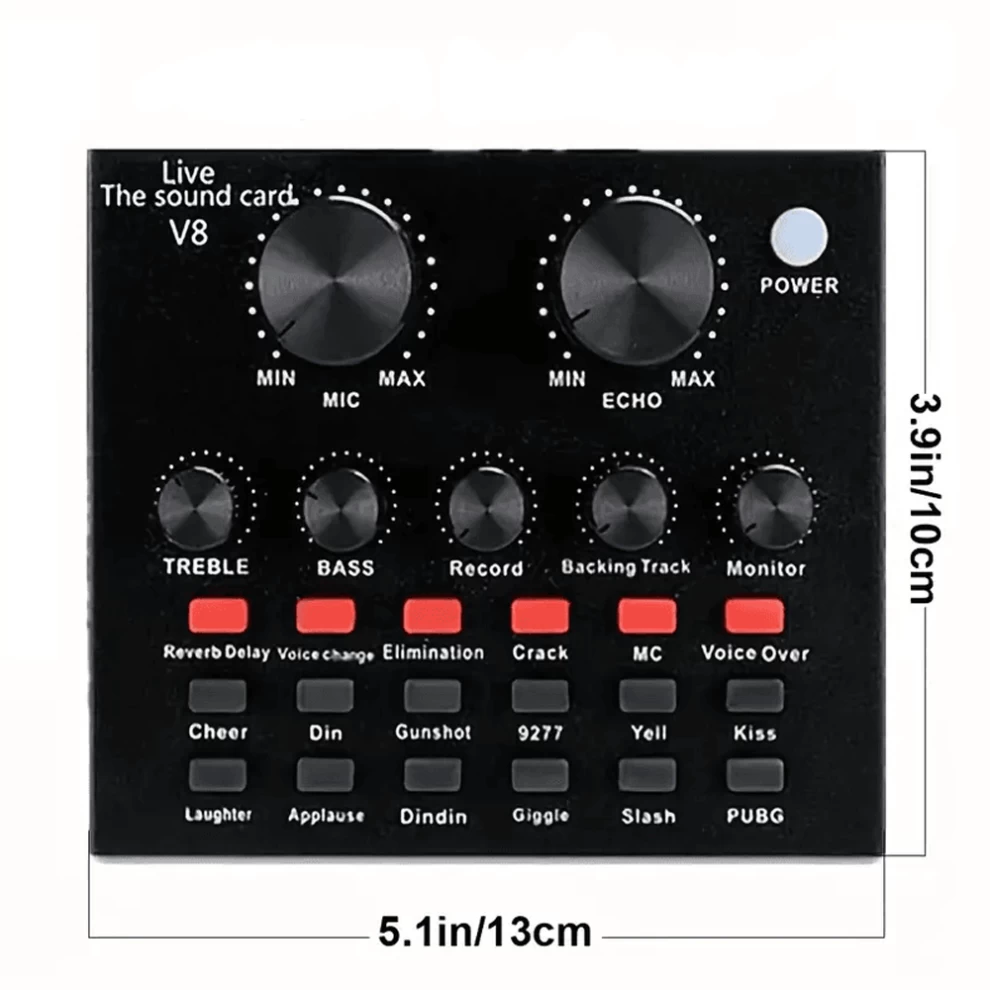
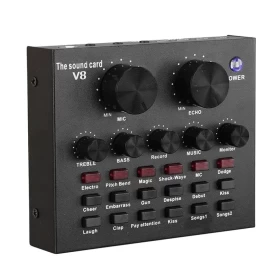
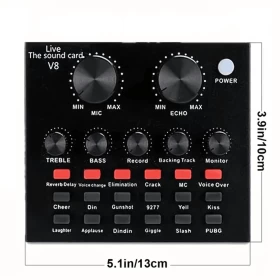
✅ Advanced Audio Control – Adjust reverb, mic volume, high/low tones, and recording levels in real-time
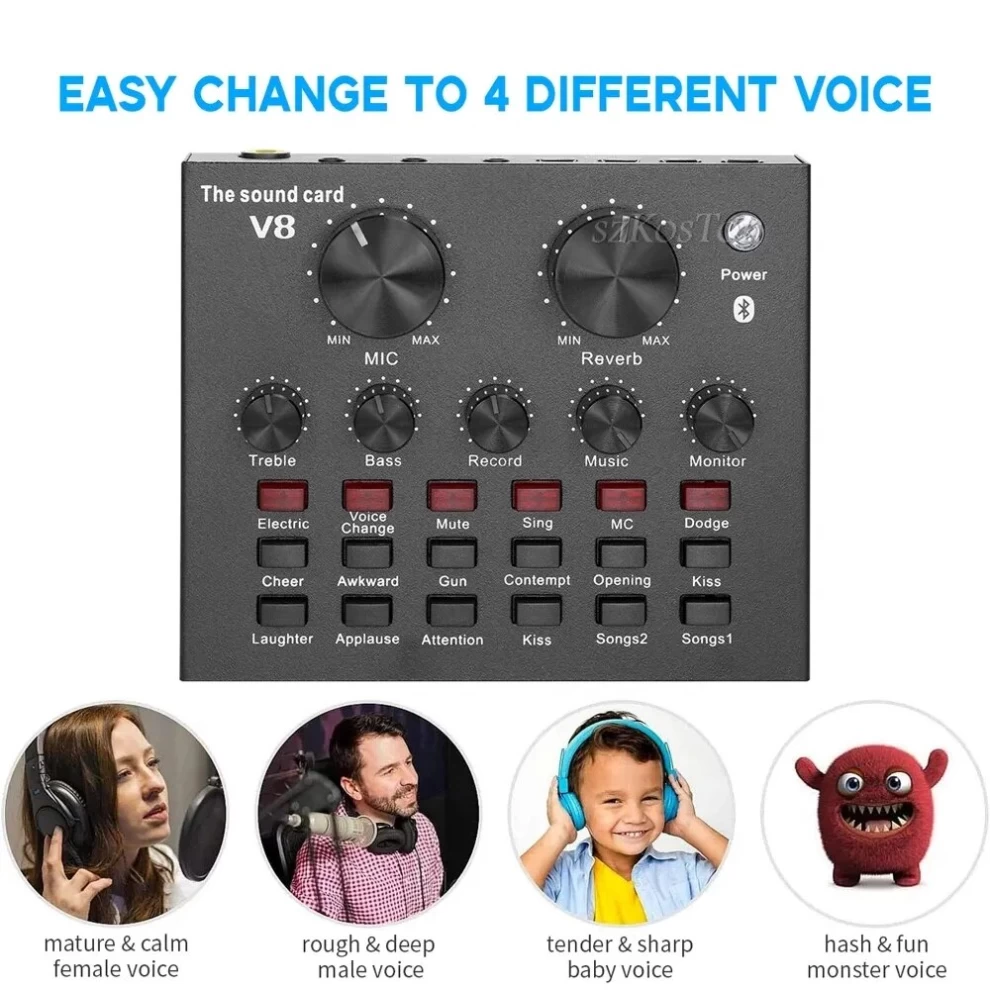
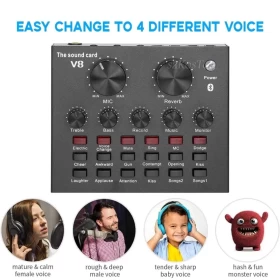
✅ Multiple Modes & Effects – 12 electronic sounds, 12 sound effects, 10 audio modes, and one-touch switching
✅ High-Resolution Audio – Built-in next-gen chipset supports 24-bit/120kHz sampling for professional-grade recordings
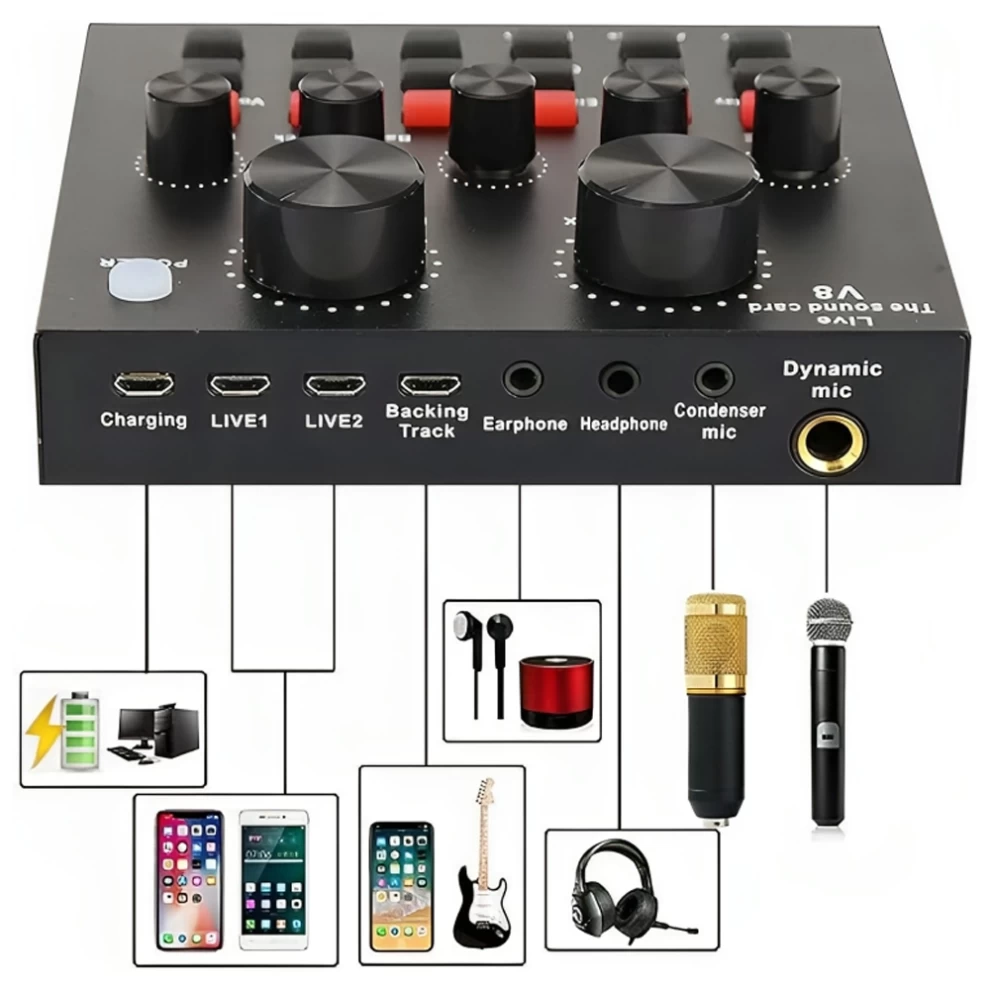
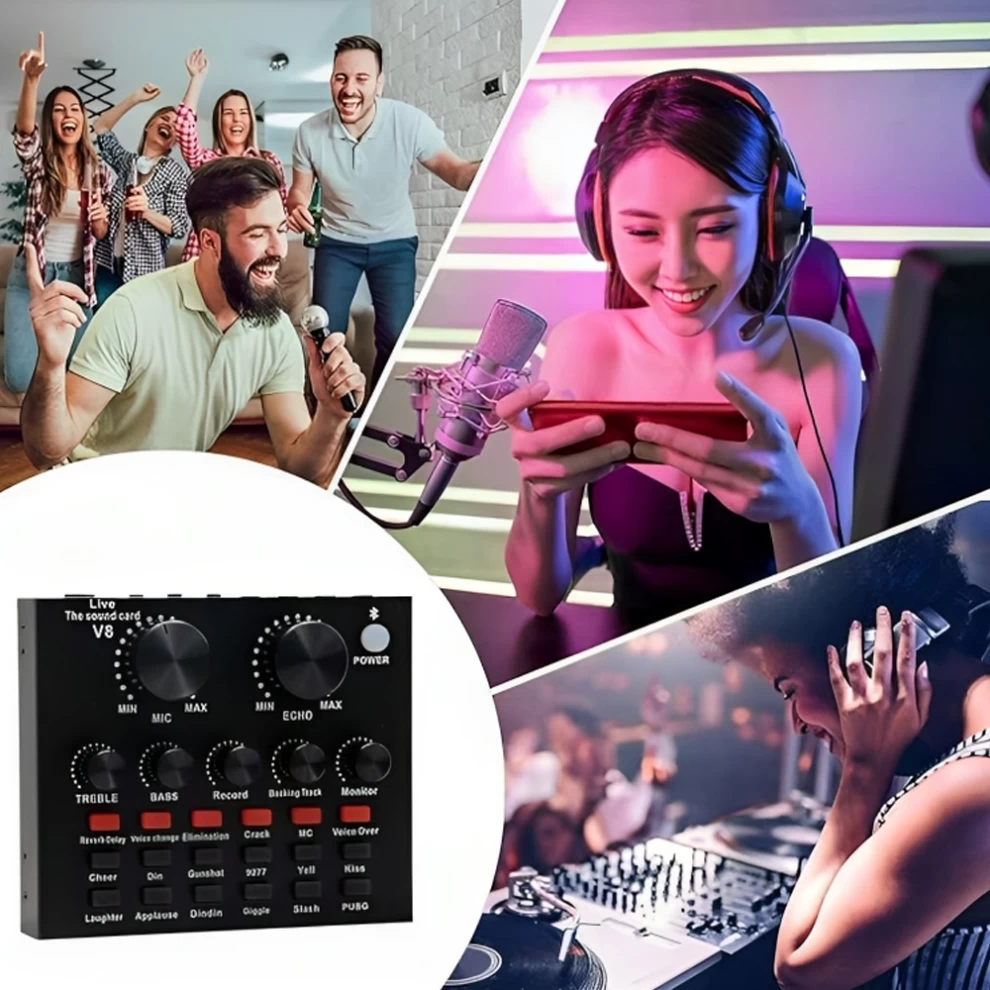
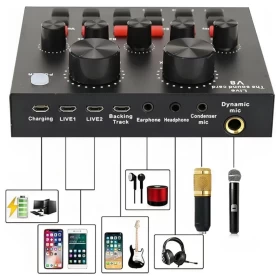
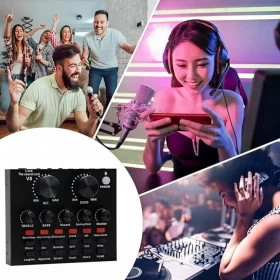
✅ Versatile Use Cases – Compatible with mobile karaoke, computer livestreaming, phone & PC recording, and multi-device broadcasting setups
📦 Specifications:
Weight: 1.47 kg
Signal-to-Noise Ratio (SNR): >80 dB
Color: Black + Gold
Package Size: 40 × 24 × 8 cm
Frequency Response: 20Hz – 20kHz
Material: Metal, Copper + Aluminum, Plastic
Connection: USB Plug & Play
🛠️ What's in the Box?
1 × Studio Condenser Microphone
1 × Adjustable Boom Arm
1 × Mic Cover
1 × Pop Filter
1 × Audio Mixer Board
1 × USB Cable
1 × User Manual
🎧 Perfect For:
• Podcasters
• Musicians
• YouTubers
• Twitch streamers
• Online teachers
• Voice-over artists
🛠️ How to Use:
1️⃣ Assemble the Microphone Setup
• Mount the microphone on the boom arm.
• Attach the pop filter in front of the mic.
• Connect the shock mount (if included) to reduce vibration.
2️⃣ Connect to Devices
• Plug the USB cable from the audio mixer into your computer or mobile phone using the correct adapter.
• Connect the microphone to the audio mixer using the provided cable.
3️⃣ Adjust Settings
• Use the control knobs on the mixer to adjust:
- Mic Volume
- Reverb
- High & Low frequencies
- Recording level
• Select from the sound modes, effects, or electronic sounds as needed.
4️⃣ Start Recording or Streaming
• Open your preferred recording or streaming software (e.g., OBS, Zoom, GarageBand).
• Select the microphone as your input device.
• Test and monitor your voice, adjust effects and levels accordingly.
⚠️ Important Notices:
❗ Charge or connect the sound card/audio mixer to a stable power source before use.
❗ Use the correct ports for mic and headset – incorrect connections may lead to distortion or no sound.
❗ Avoid dropping or exposing the microphone to water or dust.
❗ Keep the device in a cool, dry place when not in use.
❗ Do not use excessive gain/volume settings to prevent feedback or damage to hearing.
❗ This kit may require a USB OTG adapter for mobile phone connection (not always included).
❗ Recommended for indoor use only.
180 Days warranty
One hundred Eighty (180) days limited warranty included in this product