



4 People are viewing this product right now




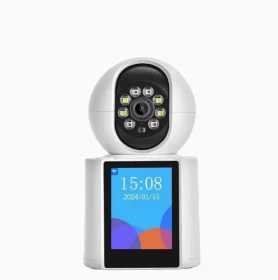
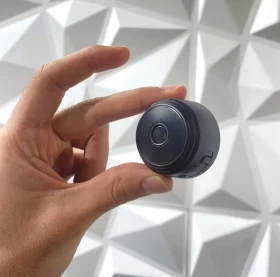
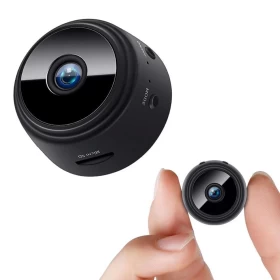
Mini Wi-Fi Security Camera – Smart Monitoring Anytime, Anywhere! 📷🔍
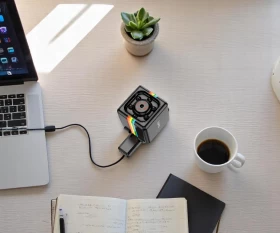
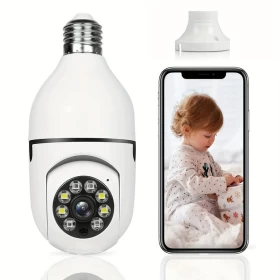
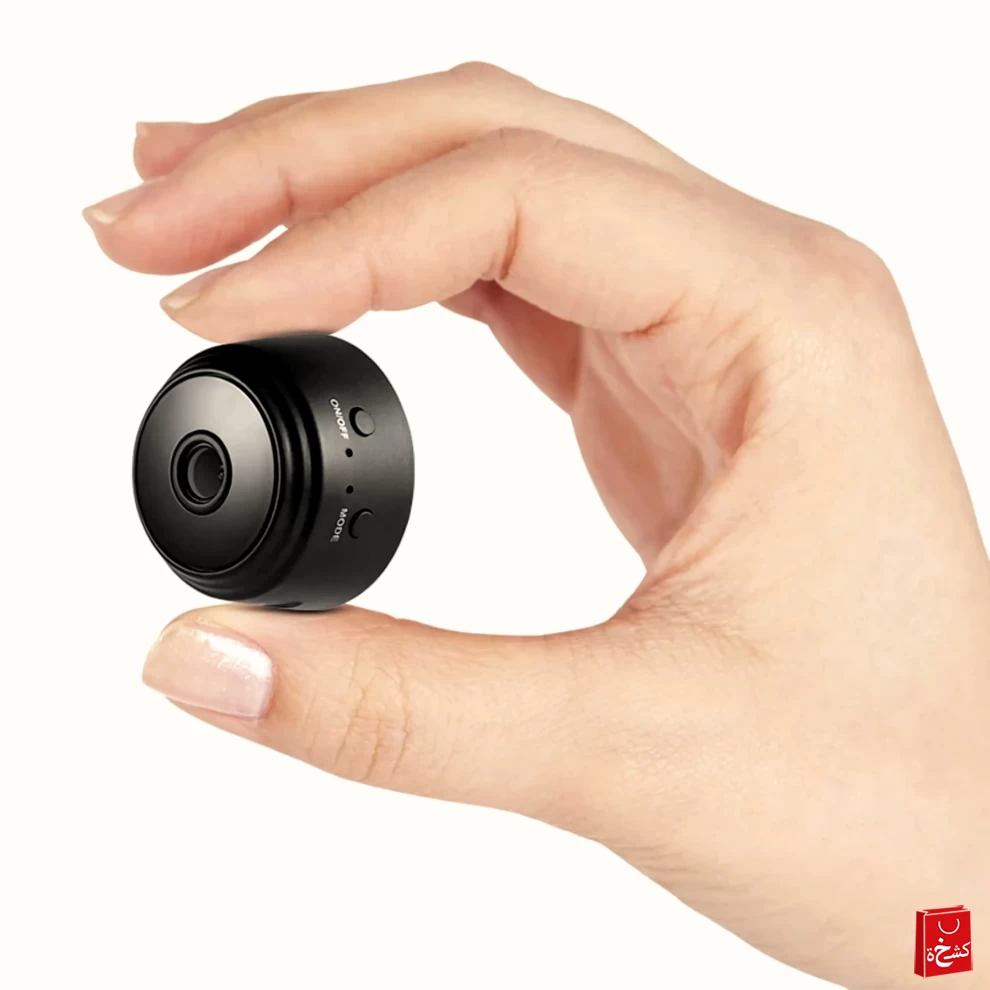
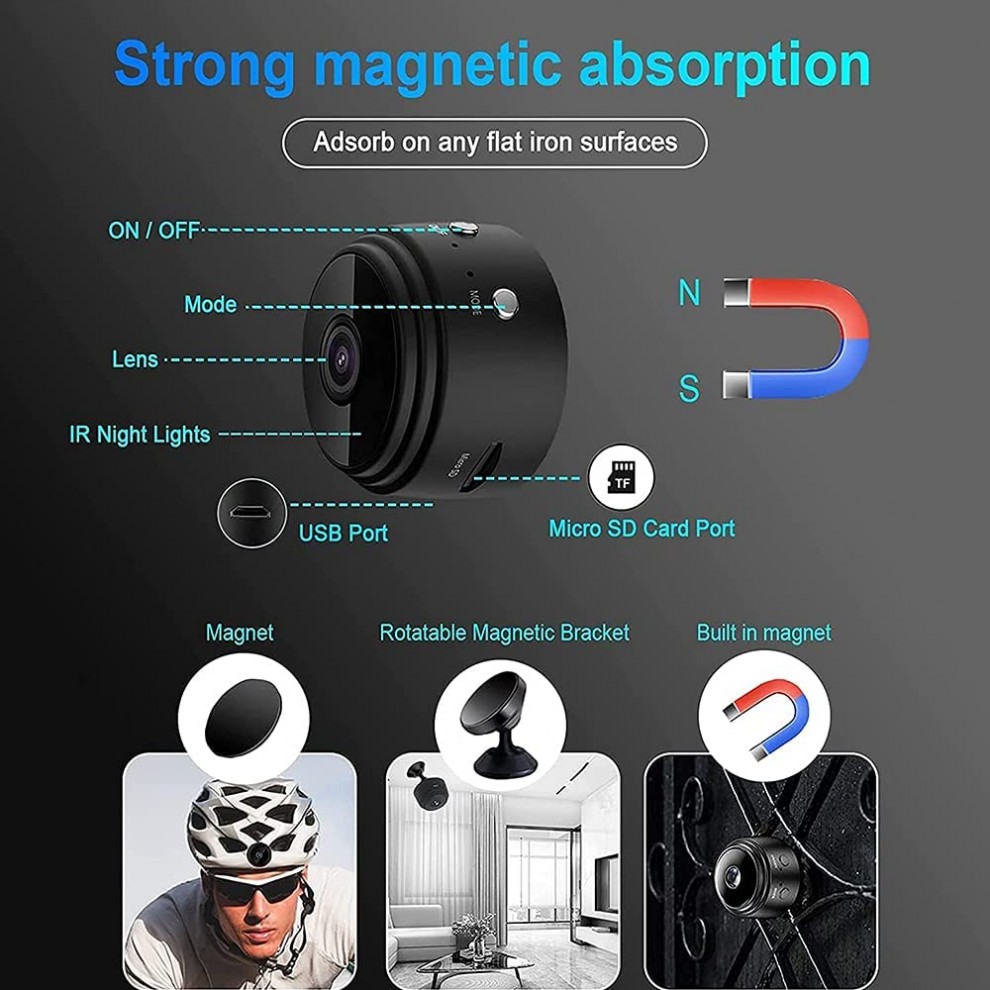
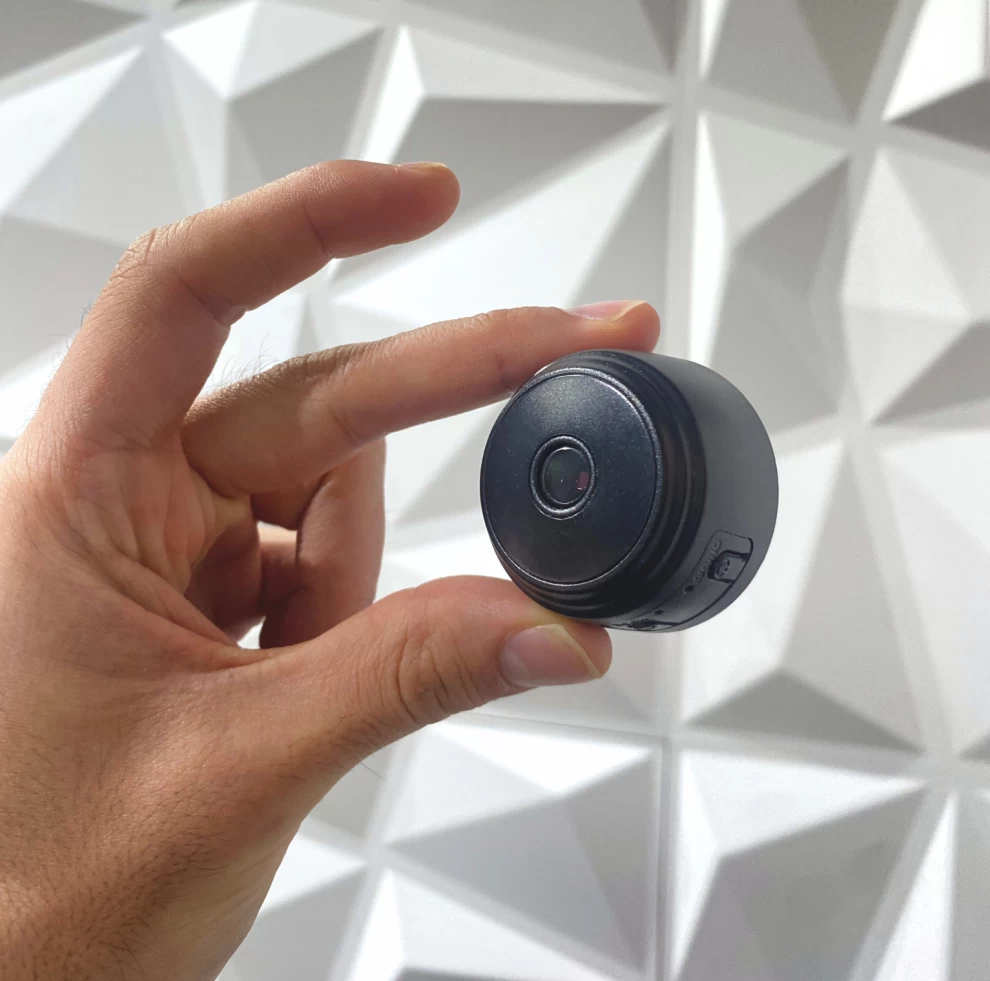
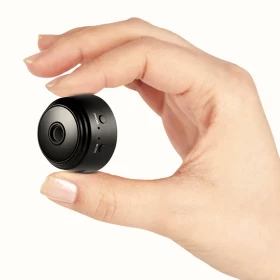
Keep an eye on your surroundings with ease using the Mini Wi-Fi Security Camera! Designed for home security, office monitoring, and personal surveillance, this compact device offers real-time video recording, motion detection alerts, and night vision capabilities. With support for Wi-Fi connectivity (2.4GHz & 5G) and remote control via the YSXLITE app, you can monitor your space anytime from your phone. The built-in infrared LEDs provide clear night vision up to 5m, and the internal magnet allows for easy attachment to any metal surface.
Features ✨:
✅ Wi-Fi Connectivity (2.4GHz & 5G) – Supports remote monitoring through the YSXLITE app.
✅ Motion Detection & Push Alerts – Sends instant notifications with snapshots to your phone when movement is detected.
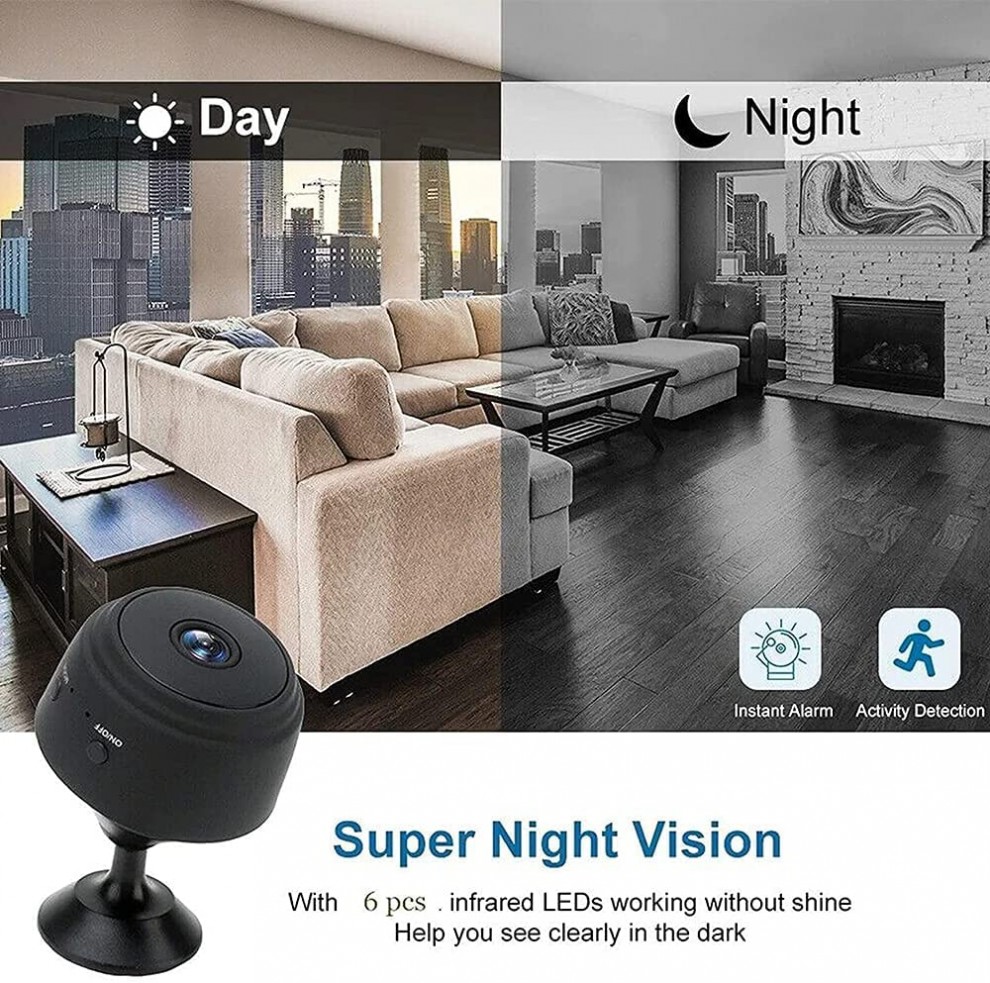
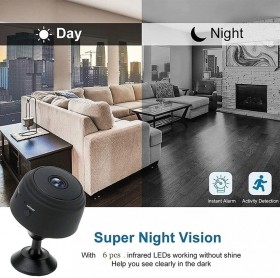
✅ Infrared Night Vision – 6 infrared LEDs provide clear night vision up to 5m, even in complete darkness.
✅ HD Video Recording – Captures high-definition images and videos with a 150° wide-angle lens.
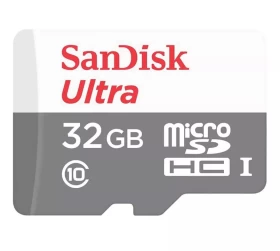
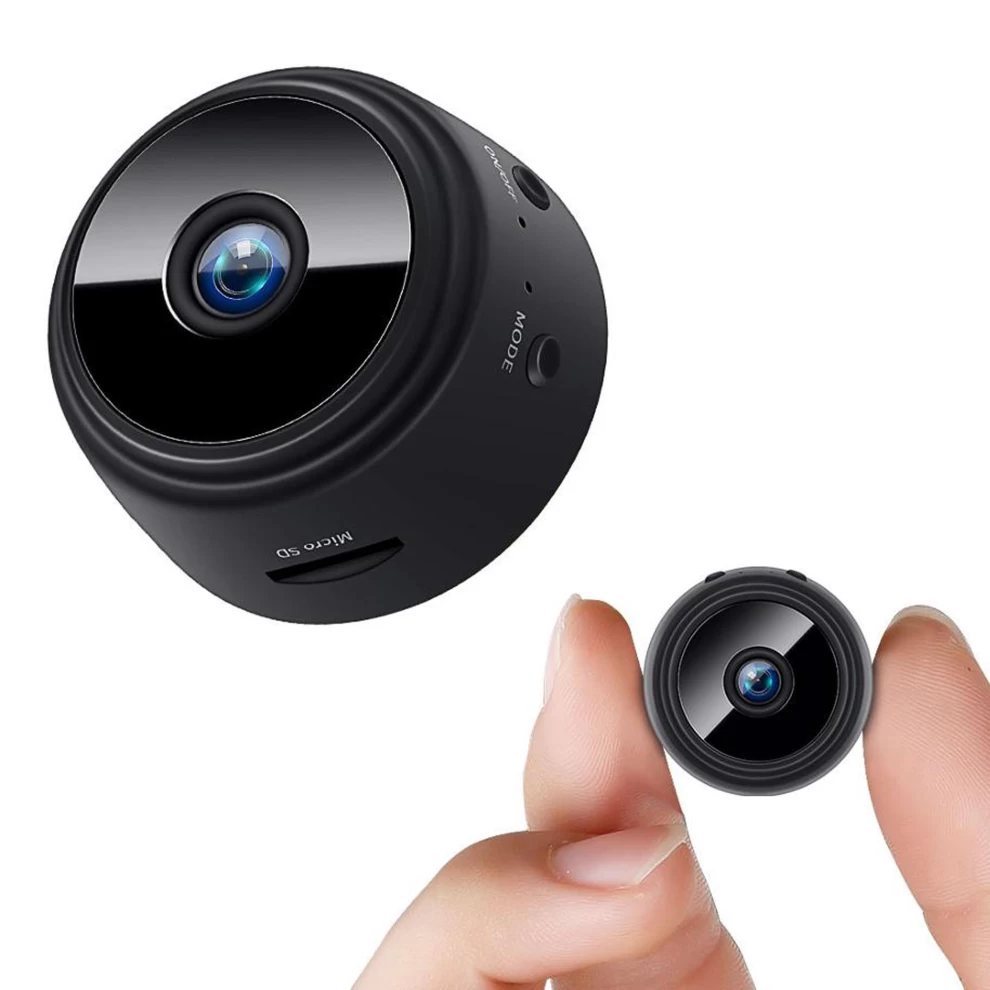
✅ Supports Up to 32GB Memory Card – Auto-overwrites old files for continuous recording.
✅ Records While Charging – 40-minute battery life on a full charge, but can operate for up to 5 hours when plugged in.
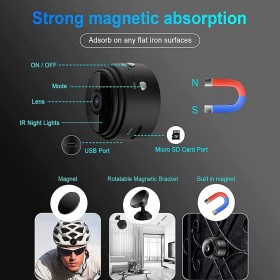
✅ Magnetic Design & Adjustable Bracket – Easily attaches to metal surfaces and allows 360° angle adjustment.
✅ Built-in Hotspot Feature – Connect the camera to your phone without Wi-Fi for close-range monitoring (10m outdoors, 30-50m indoors).
Specifications 📌:
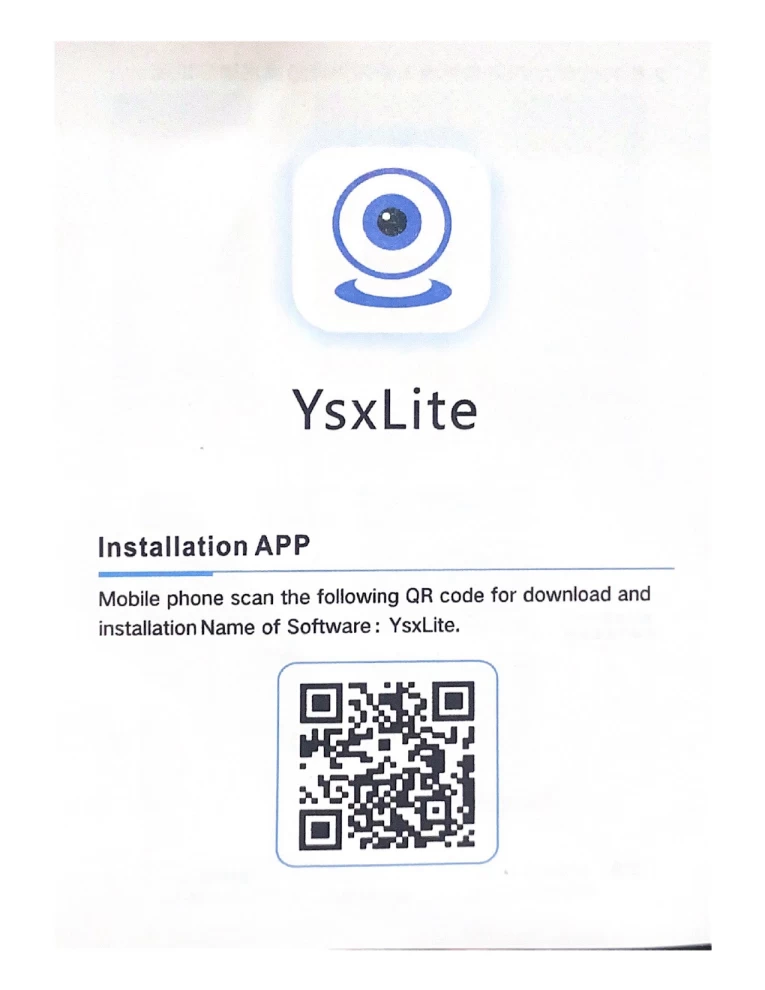
• 📡 App Name: YSXLITE
• 🎤 Microphone: Integrated for audio recording
• 🔄 Loop Recording: Automatically overwrites old footage
• 🔋 Battery: 120mAh (lasts up to 40 minutes on battery, or 5 hours when plugged in)
• 💾 Memory Support: Up to 32GB TF card
• 🌙 Night Vision: 6 infrared LEDs, range up to 5m
• 🔍 Viewing Angle: 100° wide-angle lens
•🌙 Video Format: AVI 🎥✨
• 🏆 Mounting: Magnetic with 360° rotating bracket
🛠️ How to Use the Mini Wi-Fi Security Camera:
1️⃣ Charge the Camera or Plug it In 🔌
Make sure the camera is either fully charged (for short use) or plugged in for extended operation (up to 5 hours while charging).
2️⃣ Download the App 📲
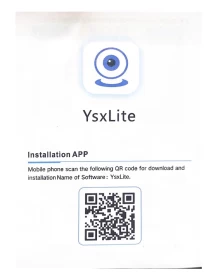
Install the YSXLITE app from a third-party store on your Android or iOS device.
3️⃣ Power On the Camera 🔋
Press and hold the power button until the LED indicator lights up.
4️⃣ Connect to Wi-Fi 📶
Open the YSXLITE app, scan for the camera, and connect it to your 2.4GHz or 5G Wi-Fi network using the setup guide.
5️⃣ Mount the Camera 🧲
Use the built-in magnet to stick the camera to any metal surface, or use the included 360° adjustable bracket for the perfect viewing angle.
6️⃣ Start Monitoring 🔍📹
From the app, you can:
• View live video in real-time
• Record HD footage
• Enable motion detection
• Receive alerts
• Take snapshots
• Use night vision
7️⃣ Storage & Loop Recording 💾
Insert a TF memory card (up to 32GB) to enable automatic loop recording, which overwrites the oldest footage when full.
8️⃣ Use Without Wi-Fi (Optional) 📡
Activate the built-in hotspot mode to connect your phone directly to the camera for close-range viewing without Wi-Fi (10m outdoors, 30–50m indoors).
🔋 Working Time:
1. On Battery Only:
🕒 Up to 40 minutes of continuous use after a full charge (120mAh battery).
2. While Plugged In (Charging):
⚡ Up to 5 hours of continuous operation when connected to power.
30 Days